
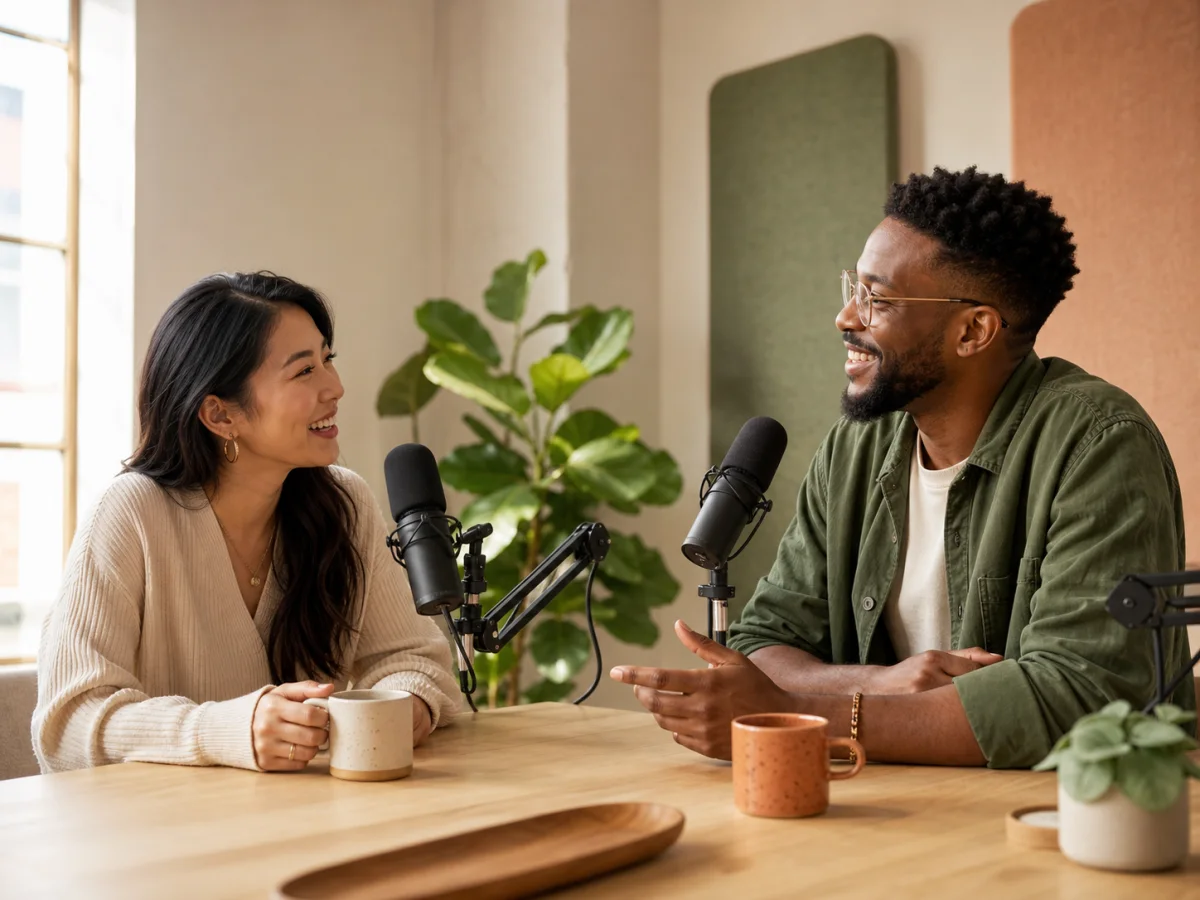
Conversation00:27
00:00
00:27
Two-Host Podcast
Generate dialogue, music, ambience and effects in one scene, with separate tracks. Try it free.

Minutes per scene
Carry a conversation through a longer scene.
Recordings to guide voices
Guide a cast with several recordings.
Languages for your stories
Includes regional language variants.
Ways to start a scene
Choose text alone or add audio and video.
From a script to a scene
SeedAudio 1.5 represents the latest evolution of ByteDance's audio creation model, designed for complete sound scenes. It generates dialogue, music, ambience and sound effects within a unified workflow. Building on version 1.0, it supports longer output, additional voice references and video-guided input, with separate tracks for post-production.
A useful brief names who is speaking, where they are and what changes during the scene. Separate sound layers let you carry that first draft into an editor and adjust the balance without rebuilding the entire scene.
What to put in the brief
Describe what listeners should notice, and what should stay in the background.
Name the speakers, then describe the room, background sounds and music. Keep the setting consistent as the conversation moves.
With up to six minutes per generation, you can write an opening, a turning point and a closing beat in the same brief.
Use up to six reference recordings to guide voices and delivery. Explain which recording belongs to each speaker rather than leaving the match implicit.
Create dialogue across 30 languages and regional variants. Specify the language, accent and intended audience so the delivery fits the scene and its local context.
Ask for a measured pace, a hesitant reply or a laugh before a line. Specific performance notes give the model more direction than a mood label alone.
Use timestamps to suggest when a voice, effect or musical change should enter. Treat them as creative guidance, then refine timing across the four tracks.
Choose your starting material
Use the input that carries your brief: a finished script, a reference performance or footage awaiting sound.
Choose this when the script and sound directions contain everything the scene needs.
Audio sceneChoose this when a recording conveys the voice or delivery you want to guide.
Audio sceneChoose this when existing footage supplies the setting and visible action.
Audio sceneChoose this when you have both footage and recordings to guide the performance.
Audio sceneWrite a clear brief, listen to the result and make the final timing decisions in your editor.
Give each speaker a role and write the lines. Add the setting and the sounds that establish it.
Add recordings for voice direction or footage for visual context. Explain what each reference should guide.
Describe delivery and suggest when effects or music enter. Leave pauses where the scene needs space.
Check the words and balance first. Then use the separate tracks to refine timing, levels and transitions.
Write against the picture
For this spacecraft scene, begin with a mechanical cue, leave space for the navigator’s reply, then introduce a restrained musical pulse. These timestamps are suggested entrances; refine their placement against your footage in an editor.
A relay clicks twice; ventilation continues beneath it.
The navigator says quietly: “Hold position until the signal returns.”
A restrained synth pulse enters after the reply, leaving the voice clear.

After the first render
The diagram below sketches a 24-second editing pass for the spacecraft brief. Give the spoken line room, maintain the ventilation bed, position the relay clicks and bring in music after the reply. The waveforms illustrate layer arrangement rather than a generated recording.
Leave room around the navigator’s reply
Carry ventilation steadily across the cut
Place the relay clicks before the line
Bring in the synth pulse after speech
Where a scene model helps
These projects need both a voice and the sounds around it. Use the generated scene as material for your next edit.
Give a conversation a location through room tone, movement and a restrained musical cue.
Draft an introduction, a narrated passage or a staged exchange. Review names, pauses and delivery before publishing.
Use footage to brief the setting and action, then review translated lines and adjust their timing in post-production.
Try an atmosphere and a sequence of effects before committing to the final mix. Keep layers separate for later revisions.
Both versions create complete sound scenes. SeedAudio 1.5 adds longer output, more references, video input and separate tracks. Choose 1.0 for shorter scenes, or 1.5 for a longer, editable production.
| Capability | Seed Audio 1.5 · Coming soon | Seed Audio 1.0 |
|---|---|---|
| Audio per generation | Up to 6 minutes | Up to 2 minutes |
| Audio references | Up to 6 | Up to 3 |
| Languages & regional variants | 30 languages & regional variants | 20+ languages |
| Input combinations | Text; text + audio; text + video; text + audio + video | Text; text + audio; text + image |
| Track delivery | Separate dialogue, ambience, effects and music tracks | Multitrack generation described as a future development |
| Timing direction | Timestamp cues for dialogue, effects, ambience and music | Dialogue timing control; reported 100 ms intervals |
Learn about generation limits, voice references, language support and commercial use.
This service provides a limited free allowance for short sound-generation previews. Free access is intended for evaluating a brief and its resulting performance; longer output and additional usage depend on your plan. Visit Pricing for the available allowances and plan details.
Version 1.5 supports up to six minutes in a single generation, compared with two minutes in version 1.0. The extended duration accommodates longer conversations, narrated passages and evolving soundscapes. Specify the intended duration and structure in your prompt; six minutes is the upper limit rather than a required output length.
Both versions generate dialogue within a complete sound scene. Version 1.5 extends output to six minutes, increases reference recordings from three to six and covers 30 languages and regional variants. It also adds video-guided input and separate dialogue, ambience, effects and music tracks. Version 1.0 remains suitable for shorter scenes that do not require those additions.
The model supports reference-guided voice generation. Recordings can guide speaker identity, timbre, accent and delivery, while written instructions adjust emotion, style and pace. This supports recurring character voices, but does not guarantee an exact reproduction of a real person. Only use reference recordings for which you have the necessary rights and permission.
Language coverage includes 30 languages and regional variants. Published examples include English, Chinese, Japanese, Korean, German, French, Mexican Spanish and Brazilian Portuguese. Regional variants are included in the total rather than counted as 30 additional languages. Specify the intended language and pronunciation in your brief, particularly for localized dialogue.
Generated material may be used commercially when your plan permits it and your use complies with the Terms of Service. You must also hold the relevant rights to scripts, reference recordings and other source material. Review the finished production for third-party rights before including it in advertising, games, films or other published work.
No. Text mode creates a scene from a written brief, and text plus sound references can guide the voices without footage. A video is required only for the video-guided modes, where the picture supplies context for dialogue, movement, ambience and musical cues.
Write the lines, add a sense of place and decide what the listener should hear first.